
Stock Signals Pro
Turn out-of-stock products into sales opportunities
Get notified when this launches
Sign up to be the first to know when this product becomes available.
Features
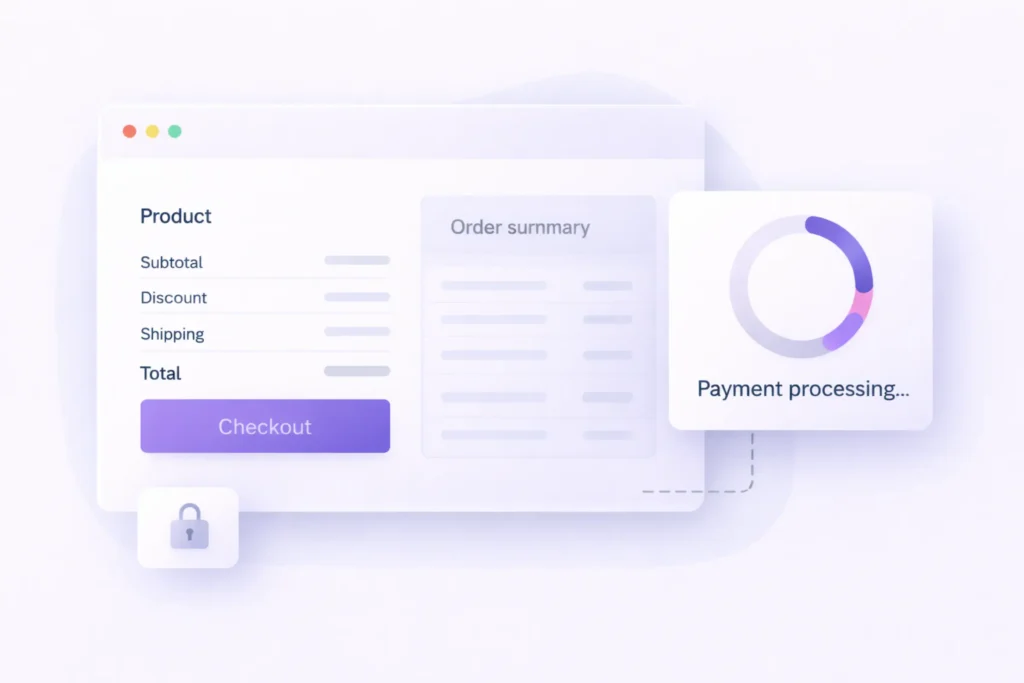
Lemon Squeezy Checkout Overlay (Premium Products)
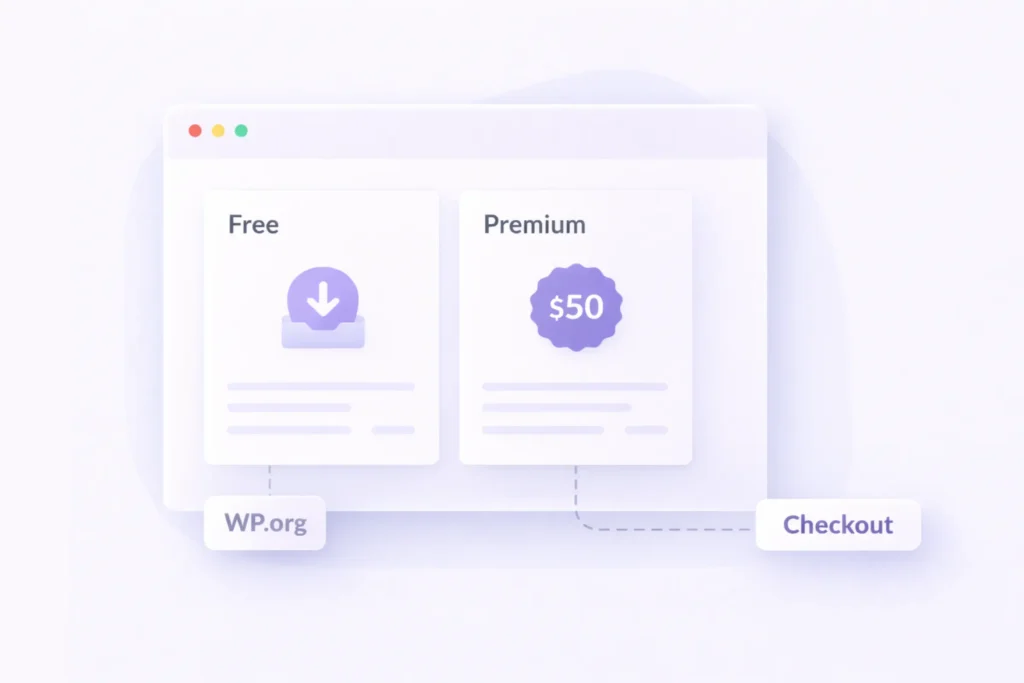
Free + Premium Product Modes in One Plugin
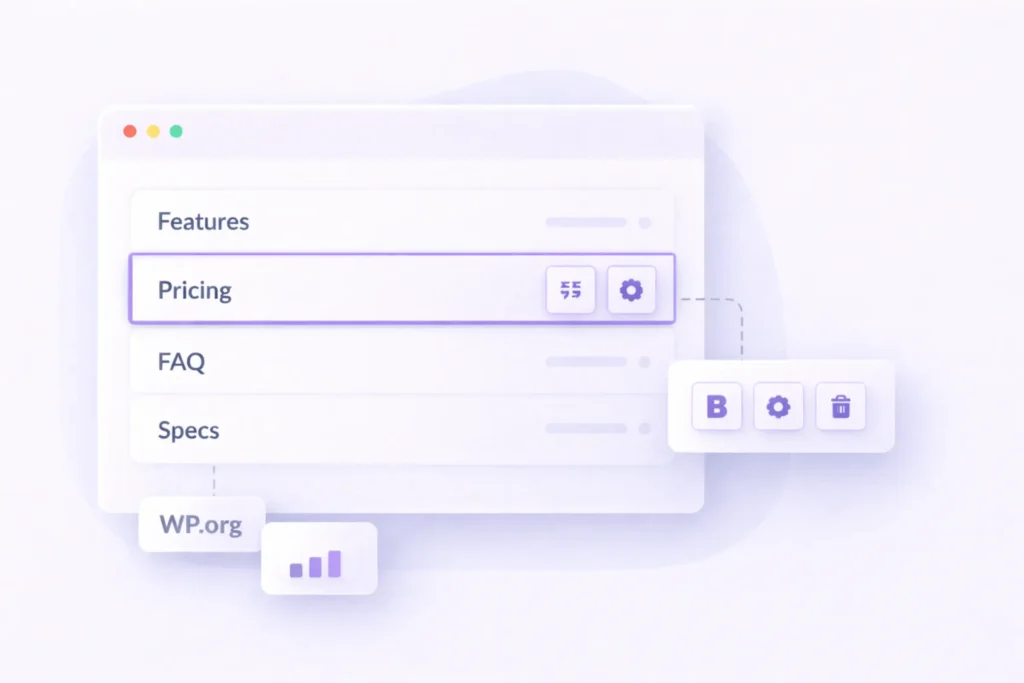
Gutenberg Product Blocks for Fast Page Building
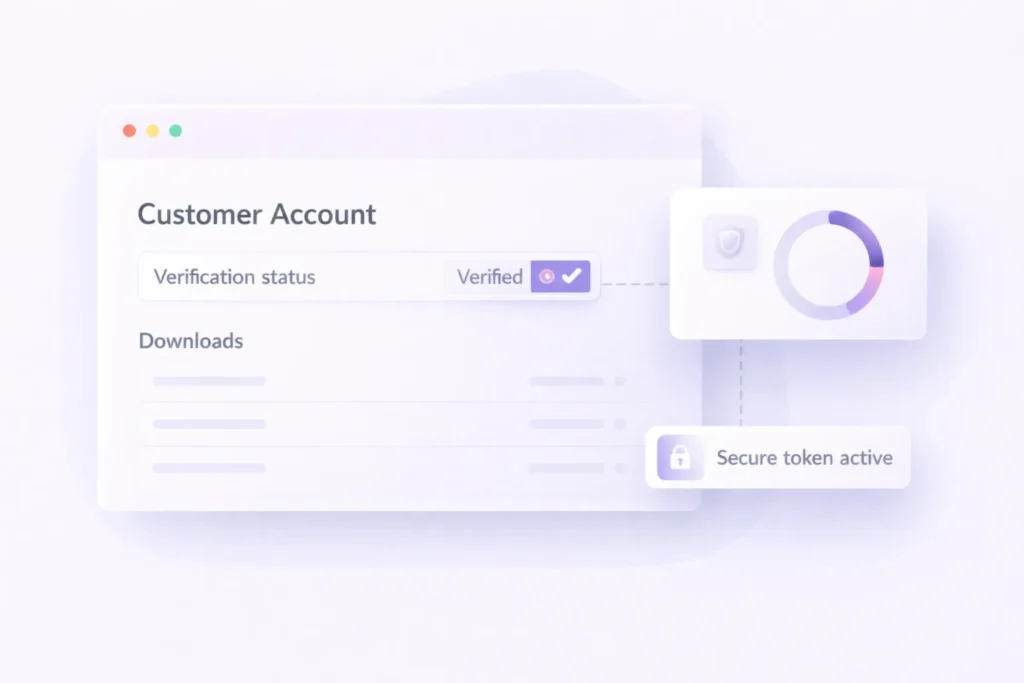
Customer Accounts, Verification & Download Access
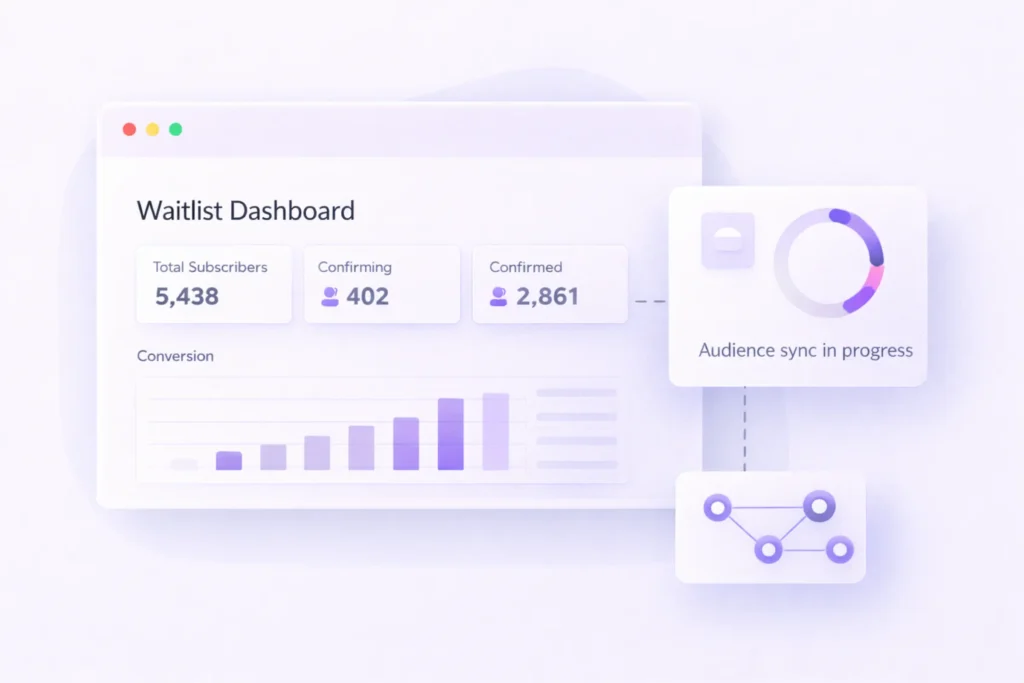
Waitlist + Mailchimp Integration for Launch Growth
Pricing
Stock Signals Pro
Get notified when this launches
Sign up to be the first to know when this product becomes available.
FAQs
Zest helps you sell and distribute digital products (like WordPress plugins and themes) directly from your WordPress site. It supports both paid products (via Lemon Squeezy checkout) and free products (via WordPress.org links).
Yes, that’s one of the core use cases. You can list free and premium products together while controlling how each one behaves on the frontend.
Zest integrates with Lemon Squeezy for premium product checkout. It uses an overlay checkout flow for a smooth, on-page buying experience.
No, you can build pages using Gutenberg blocks for pricing, features, FAQs, specs, and buy buttons. Most setup is handled through the WordPress admin UI.
Yes, Zest includes waitlist functionality and Mailchimp integration. You can capture interest, sync subscribers, and run launch campaigns.
Zest includes a built-in licensing and updater system designed for Bloom Stack distribution. This enables licensed customers to receive plugin updates through WordPress.
Yes, Zest includes customer verification and access flows for digital delivery. This helps ensure downloads are available to the right users while reducing support requests.
In most cases, yes. Zest uses a template hierarchy and can fall back gracefully, while still allowing theme-level template overrides for customization.
You can sell both plugins and themes (or other digital product files) as long as they fit your Lemon Squeezy product setup. Zest is built for digital product distribution workflows.
Absolutely. You can begin with a single product and basic settings, then add waitlists, richer product content blocks, and advanced launch flows as you grow.